Introduction to MS Publisher
This course is designed for beginners who want to learn how to use Microsoft Publisher efficiently. You will learn the ...
Show more

Instructor
Codorz
- Description
- Curriculum
- FAQ
- Reviews
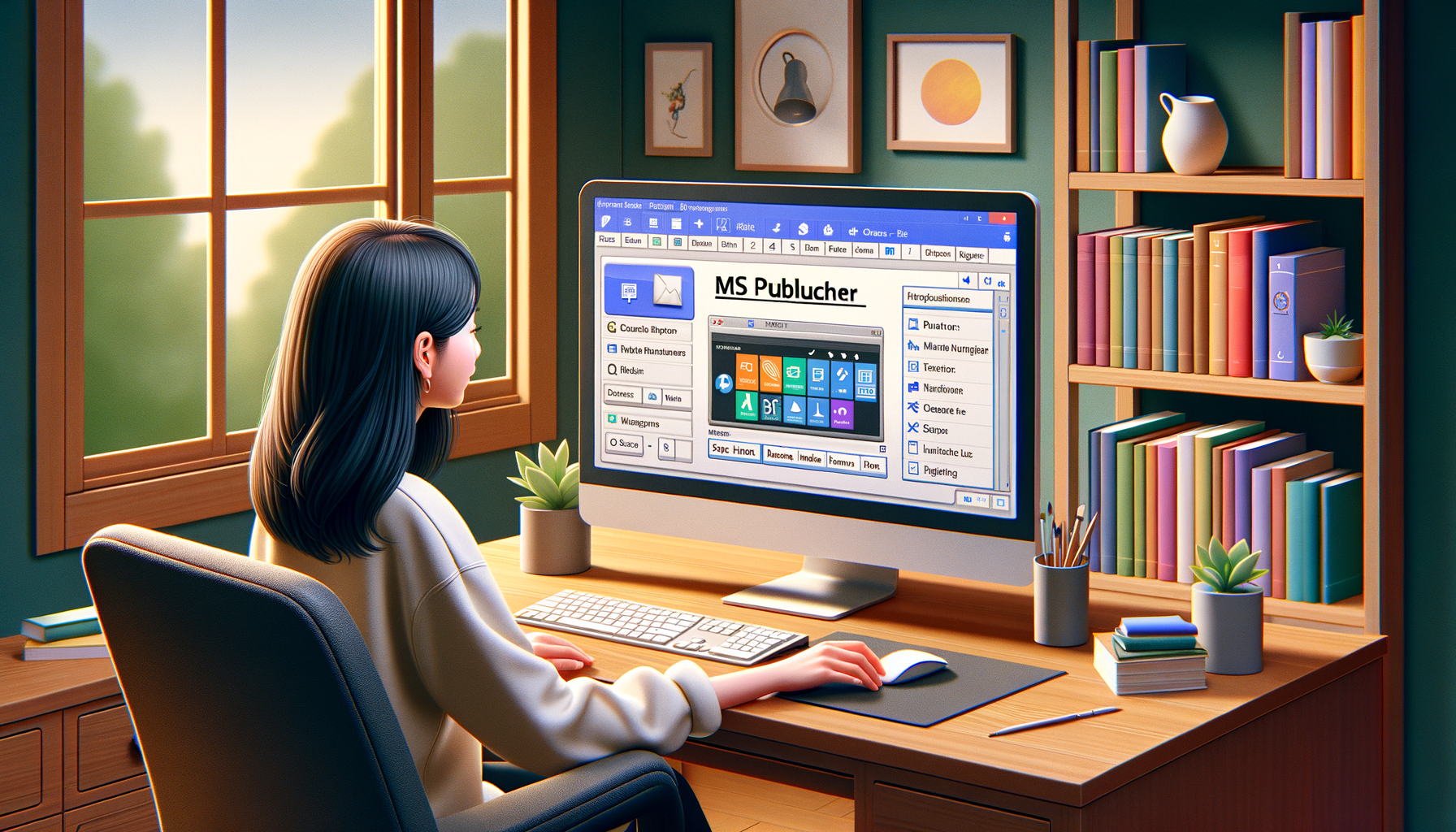
Welcome to the MS Publisher for Beginners Course!
In this course, you will learn everything you need to know to start creating professional publications using Microsoft Publisher. Whether you are a small business owner looking to design marketing materials or an aspiring graphic designer, this course will provide you with the foundational skills to unleash your creativity.
Course Outline:
- Module 1: Introduction to Microsoft Publisher
- Understanding the interface and tools
- Setting up a new publication
- Module 2: Basic Design Principles
- Typography and font selection
- Color theory and combinations
- Layout and alignment
- Module 3: Working with Text and Graphics
- Inserting and formatting text boxes
- Adding images and shapes
- Creating custom backgrounds
- Module 4: Advanced Features
- Using master pages
- Creating tables and charts
- Working with layers
- Module 5: Printing and Exporting
- Setting up print options
- Saving publications in different formats
Course Requirements:
No prior experience with Microsoft Publisher is required. All you need is access to a computer with MS Publisher installed, and the willingness to learn and experiment with different design techniques.
By the end of this course, you will have the confidence and skills to create visually appealing publications for various purposes. Let’s get started on your journey to mastering MS Publisher!
Introduction to MS Publisher


Creating Basic Publications
Enhancing Publications with Colors and Styles
Advanced Features in MS Publisher
Final Quiz

What is MS Publisher?
MS Publisher is a desktop publishing software used to create publications like flyers, brochures, and newsletters.
Is MS Publisher suitable for beginners?
Yes, MS Publisher is user-friendly and suitable for beginners who want to create professional-looking publications.
What are some key features of MS Publisher for beginners?
MS Publisher offers templates, design tools, and easy-to-use functions for layout and text editing, making it ideal for beginners.
Can I import images and content into MS Publisher?
Yes, MS Publisher allows you to import images, text, and other content to customize your publications and create unique designs.
Please, login to leave a review



Course details
Lectures
16
Quizzes
1
Basic info
- Course Name: MS Publisher for Beginners
- Level: Beginner
- Duration: 4 weeks
- Start Date: Rolling Enrollment
- Effort: 2-3 hours per week
Course requirements
- Access to a computer with MS Publisher installed
- Basic computer skills
- Internet connection
- Desire to learn MS Publisher
Intended audience
- Individuals new to MS Publisher
- Students
- Small business owners
- Marketing professionals
Popular courses




 Google